From your feed. To your food map.
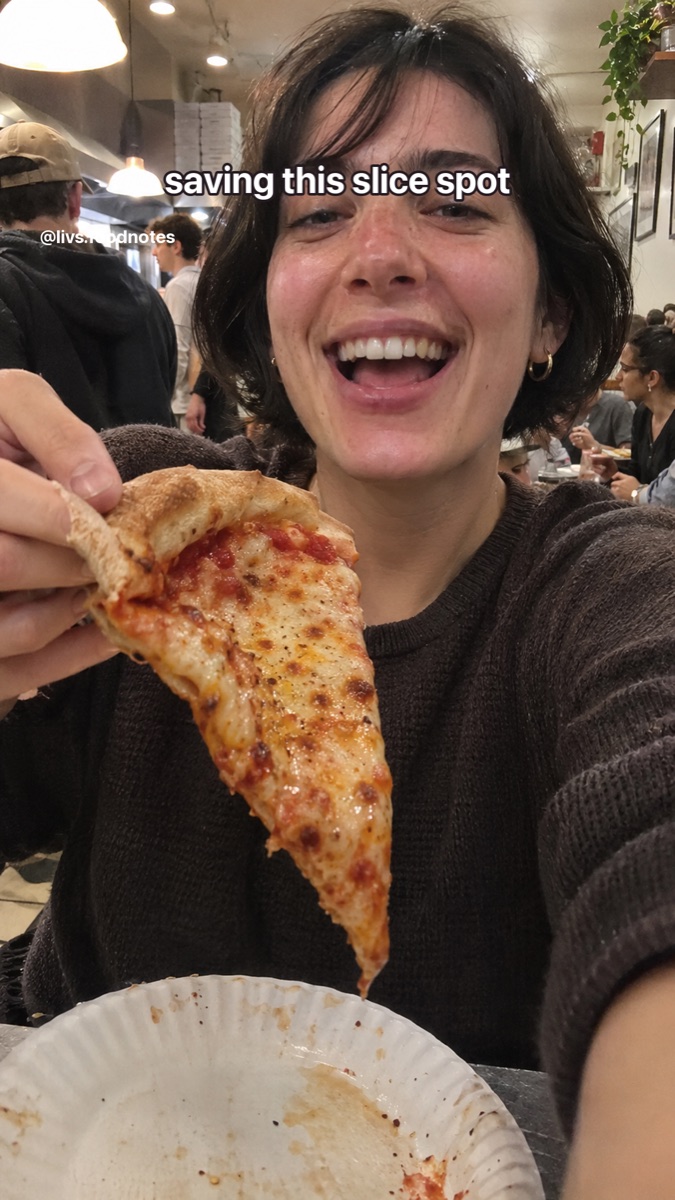
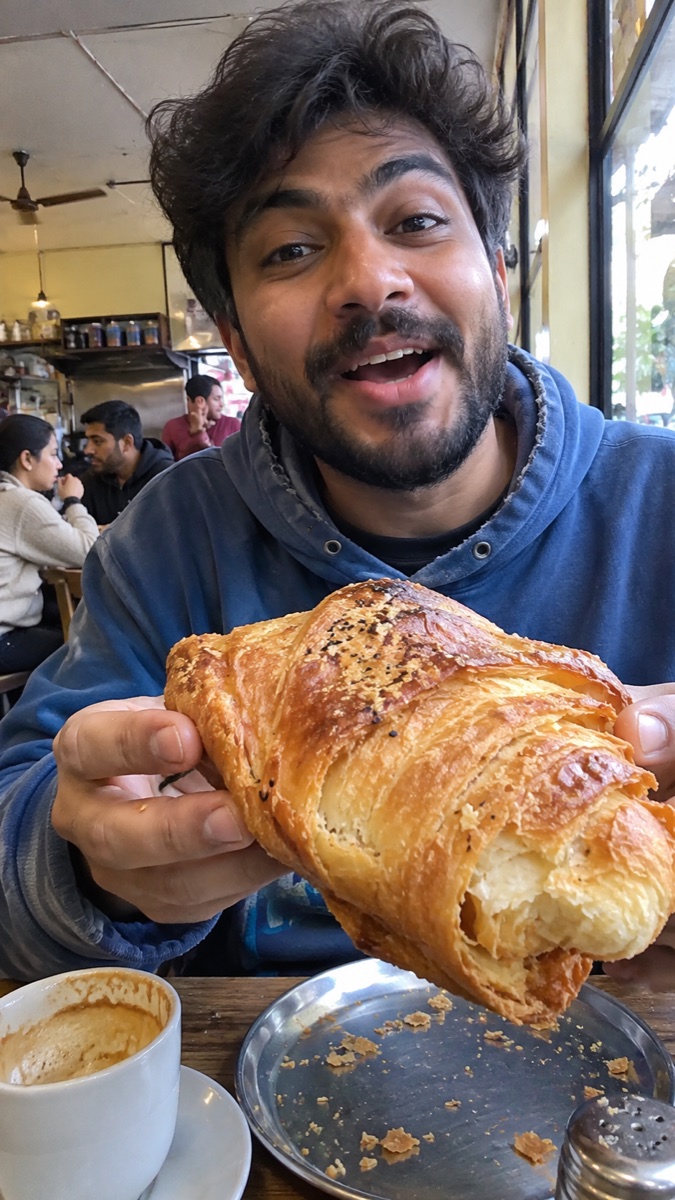
Save TikTok and Instagram food finds to your own map.

From “looks good”
to “let’s go”.
One link. A place on your map.
A reason to go out.
A place worth saving.
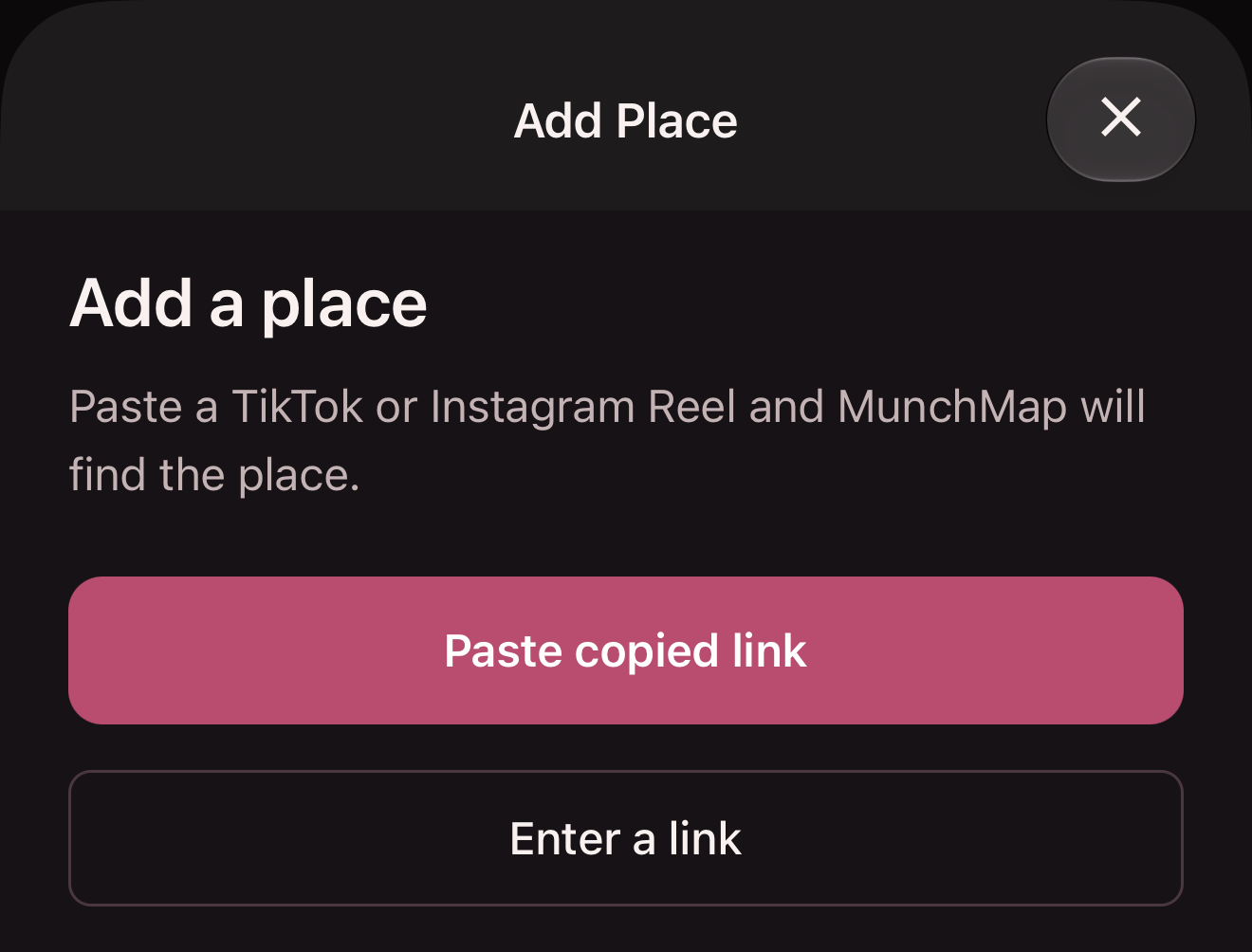
Paste the link. Check the match.
Next time you’re hungry, you’re ready.
Good taste.
Great little details.
Your map, your shortlist, the video that started it.
Take a look around.
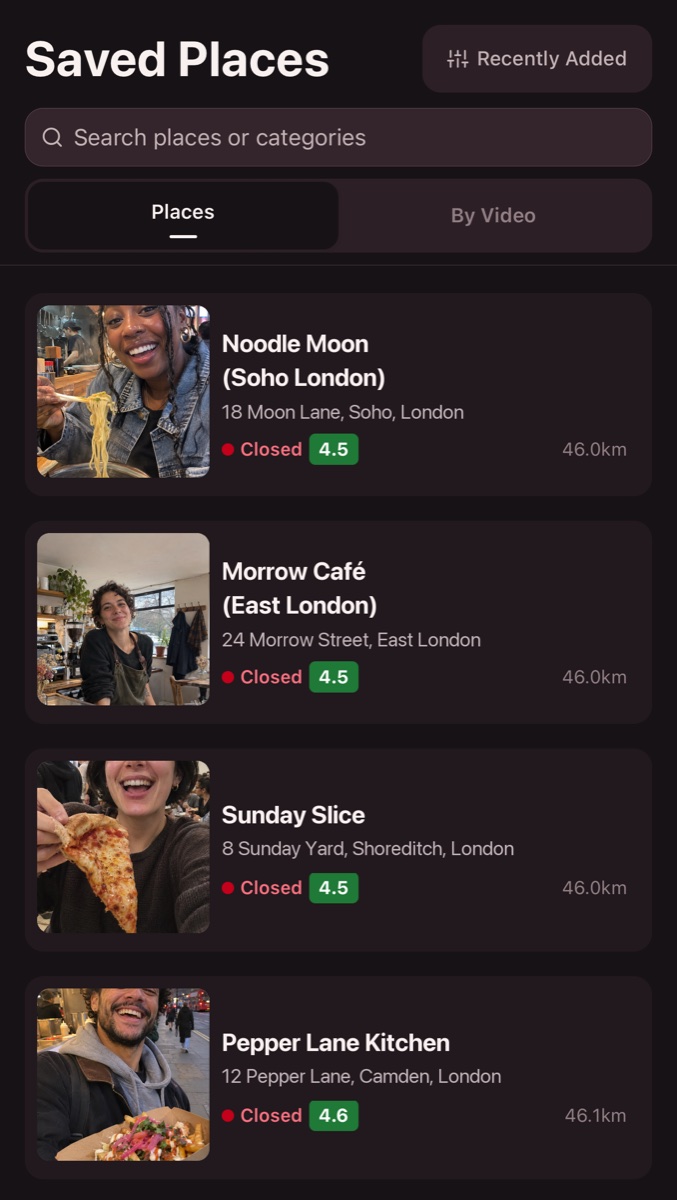
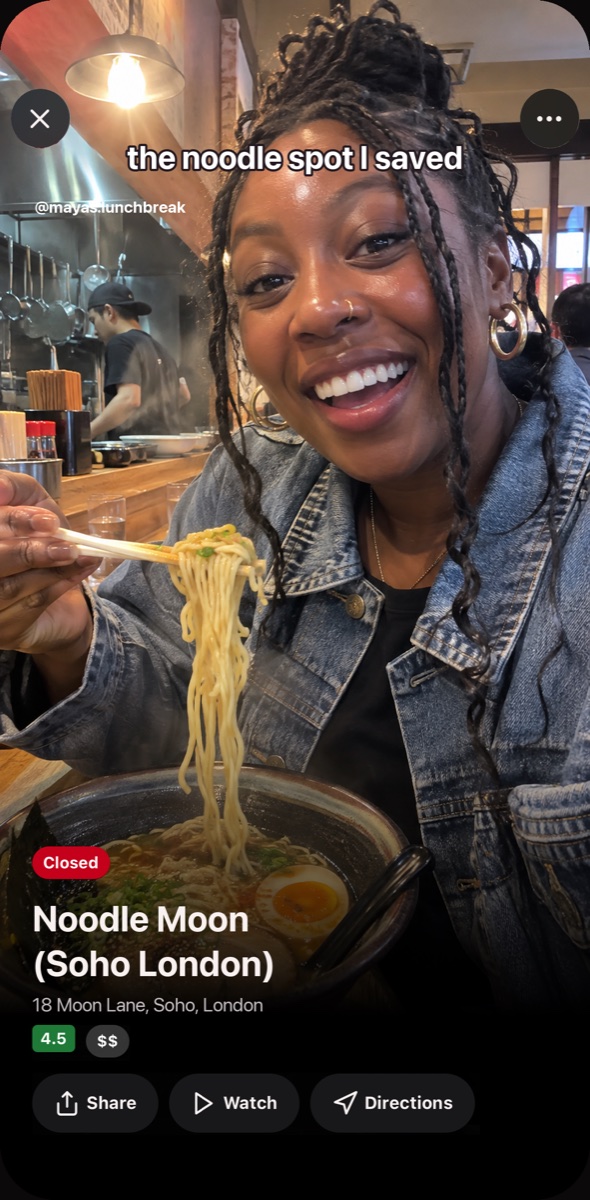
All your “we should go” places.
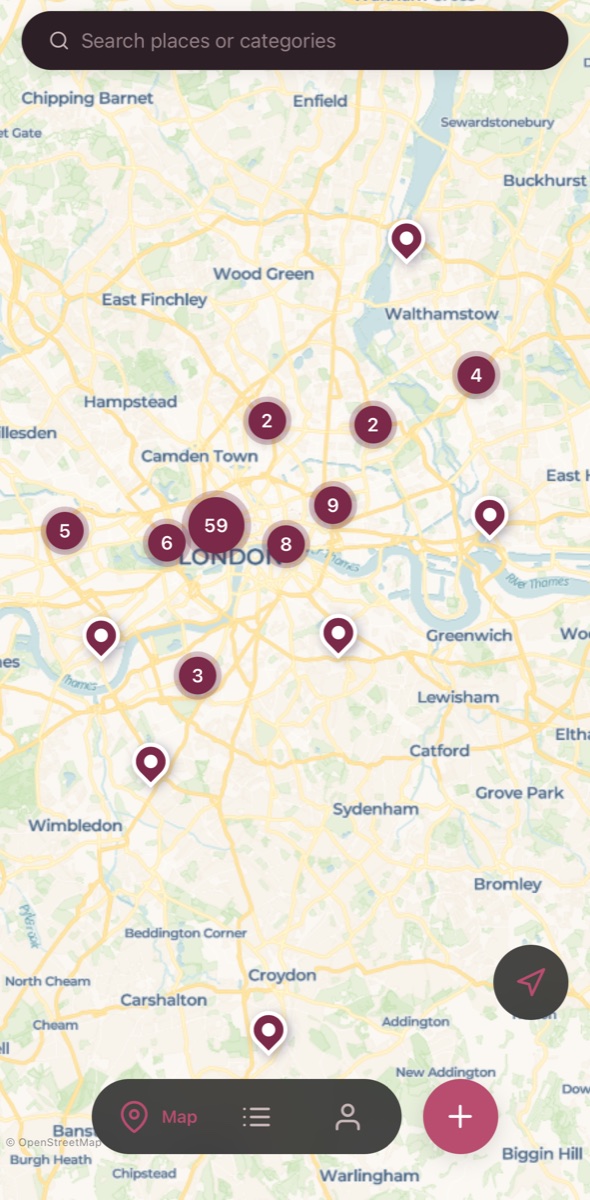
Food finds from your feed, pinned together on your personal map. Next time you’re nearby, you know exactly where to go.
Make your food mapLess “where was that place?”
Search your saved spots, filter by cuisine and browse video thumbnails. Your next meal is already on the shortlist.
Start your shortlistRemember why you saved it.
The original TikTok or Reel is right there with the place details. Rewatch the video, then open directions in Apple Maps or Google Maps.
Find your next mealYour personal map
All your saved spots, pinned in one place.
The useful details
Addresses, hours, ratings, pricing and websites.
A route to the table
Open directions in Apple Maps or Google Maps.
Private to you
Your saved places stay in your account.
Before you dig in.
Something else? Ask us.
Is MunchMap free?
Yes, MunchMap is completely free to use.
Which platforms does MunchMap support?
TikTok and Instagram Reels. Paste a video link to find the food spot.
How does it find the restaurant?
AI reads the video’s title, description and location tags, then checks Google Places for a match.
What if it picks the wrong place?
Choose another candidate, or search for the correct place manually.
Can I add places from other sources?
Not yet. It’s a feature we’re considering.
Are my saved places private?
Yes. Your saved places are private to your account. Read our privacy policy for details.
Is there an Android app?
MunchMap is available on iOS now. Android support is coming soon.
Less scrolling.
More going out.
Your next food find deserves more than a saved video.